21 communities · One source of truth
How SRG turned fragmented reporting into a unified BI platform across 21 communities
SRG had grown to 21 senior living communities, with ~2,000 employees supporting thousands of residents. Its reporting was spread across a legacy Tableau deployment and custom-built reports that were hard to extend as leadership's questions grew. FortisureIT built an Azure data platform that brings data from many systems into one source of truth, with flexible Power BI dashboards now used from Community Leadership up through the C-Suite.
Key Results
Numbers that moved
21
Communities on one BI platform
2 → 1
Reporting tools consolidated
115
Users on the new platform
Who We Worked With
Senior Resource Group
Senior Resource Group (SRG) is a nationally recognized developer and operator of luxury senior living communities. Founded in 1988 and based in Solana Beach, California, SRG serves residents across 21 properties nationwide with independent living, assisted living, and memory care.
Caring for thousands of seniors at that scale means coordinating occupancy, staffing, resident services, and finance every day, with countless moving parts and the data behind them.
FortisureIT has served as SRG's technology partner for more than two years, a relationship that gives us a deep understanding of how their organization runs and where the right software delivers the most value.
The Challenge
Critical data,
locked in fixed reports
For an operation running 21 communities and thousands of residents, reporting that couldn't flex to a new question fast enough wasn't a reporting problem. It was a decision-making problem.
SRG operates 21 senior living communities with ~2,000 employees supporting thousands of residents. Reporting was spread across several tools, including a legacy Tableau deployment and the custom-built reports their teams relied on day to day across their operational systems.
Each one solved a slice of the problem and none of them solved the underlying one. The Tableau side of the stack was a deprecated legacy deployment that no longer reflected how the business operated. The custom-built reports were reliable, but inflexible: a fixed set of layouts with limited visual types, little ability to drill into the detail behind a number, and filtering that couldn't flex to a new question. Managing who could see what meant working report by report, and answering a genuinely new question still meant building a new report.
The bigger opportunity sat one level up. SRG had already integrated some of its data, pulling ADP staffing information into Yardi for production reporting, but a great deal of operational data still lived in separate systems that the reporting layer never brought together. The questions leadership cared about most, spanning occupancy, staffing, separations, and open positions, were answered from whichever single system happened to hold that slice of the picture, with no unified layer underneath.
What It Was Costing
Facing Similar Challenges? →Leadership & C-Suite
Answers split across systems
The questions leadership cared about most, spanning occupancy, staffing, separations, and open positions, were answered from whichever single system held that slice, and a genuinely new question meant waiting for a new report to be built.
Regional & Community Ops
One community at a time
Occupancy and labor across 21 communities sat behind fixed report layouts with little room to drill into a number, so getting a clear read on how each community was performing took extra steps.
HR & People
Workforce data kept separate
Staffing, separations, and open positions lived in their own system, disconnected from the rest of the operational picture, so workforce questions couldn't be weighed against occupancy or community performance.
What We Built
One platform,
many systems
We stood up an Azure data warehouse as the single source of truth and built an automated pipeline that ingests data from many of the systems SRG runs on. On top of that, a suite of Power BI dashboards now drives reporting across the business, from individual community views up to portfolio-wide rollups.
Microsoft Fabric is rolling out next, both as a consolidation play for the Azure services already in production and to unlock Co-Pilot features on top of the same unified data.
Unified data warehouse
Data from many systems, Yardi and ADP among them, plus a range of additional sources, lands in one Azure data warehouse on a recurring schedule. Cross-system questions like occupancy against staffing or separations against open positions stop depending on which system holds the data and become a single query against one unified layer.
Automated pipeline
Azure Data Factory orchestrates the ingestion, with Azure Functions handling the custom transformations for each source system. New data flows through on a schedule, so the dashboards are always reading current state rather than a point-in-time extract.
Dashboards used end-to-end
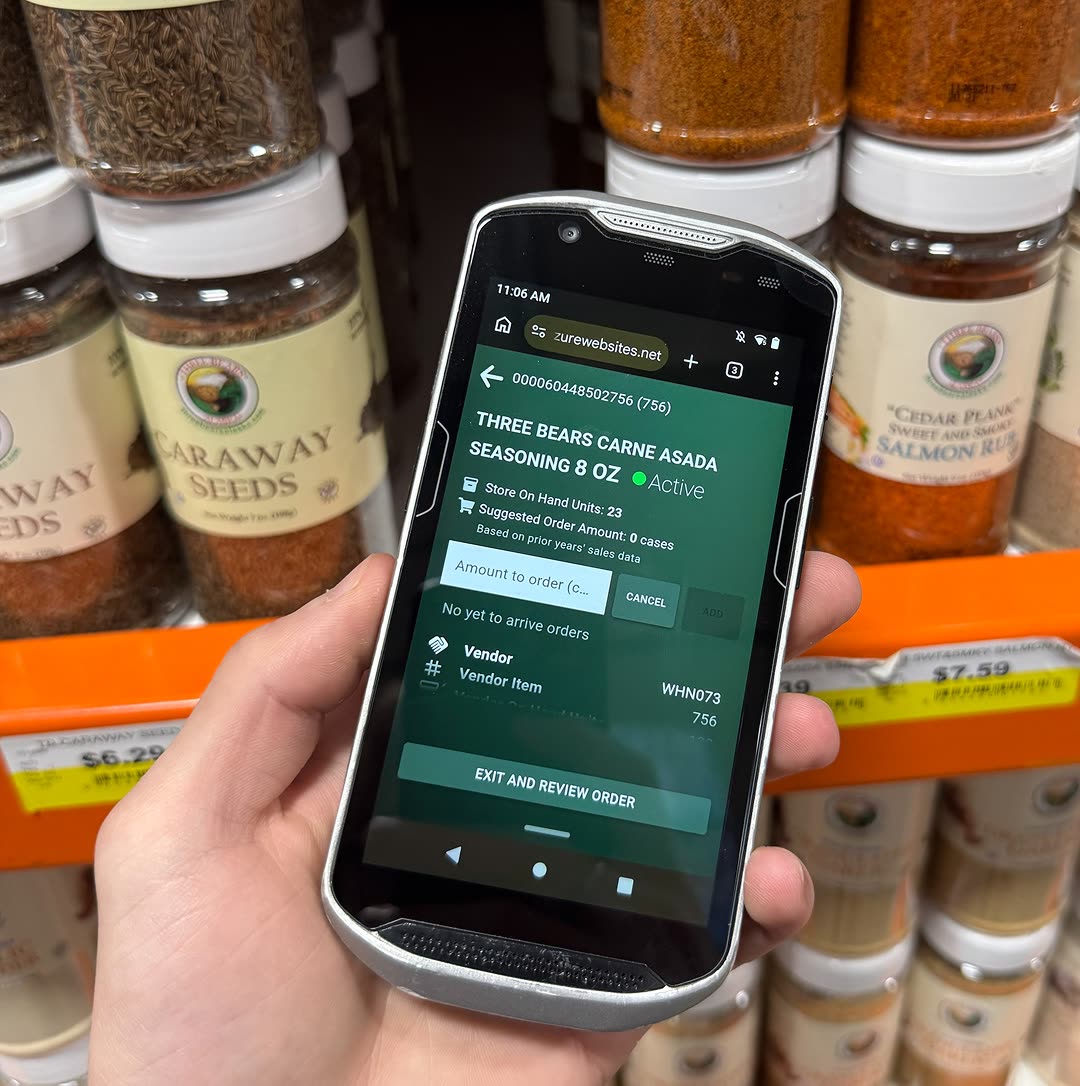
Power BI reports were validated, published, and rolled out with client-led training. Compared with the custom-built reports, the dashboards add richer visuals like trend lines and breakdowns, drillthrough into the detail behind any number, self-serve filtering, and reports that are easier to find, open, and govern, with user access managed centrally instead of report by report. Adoption stretched all the way through the org: Community Leadership tracks occupancy and labor at their community, Regional Managers roll it up across the communities they oversee, Home Office Managers see the full org, and the C-Suite watches the portfolio. The first marketing dashboard now drives strategic decisions on campaign effectiveness and lead source cost.
What It Delivers
Explore BI & Analytics →Leadership & C-Suite
The full portfolio, live
The C-Suite watches the whole portfolio on current-state dashboards, and cross-system questions like occupancy against staffing become a single query against one unified layer instead of a new report request.
Regional & Community Ops
Performance, community by community
Community Leadership tracks occupancy and labor at their own community while Regional Managers roll it up across the communities they oversee, with drillthrough into the detail behind any number.
HR & People
Workforce data, connected
Staffing, separations, and open positions now land in the same warehouse as everything else, so people data can be read alongside occupancy and community performance on dashboards that reflect current state.
Architecture Snapshot
From scattered sources
to one interactive platform
One automated pipeline ingests data from the systems SRG already uses and feeds a single, interactive BI layer that every role on the diagram below can pull up.
Sources
Operational systems
- YardiProperty management
- ADPHR & payroll
- Many additional sourcesPipelined in to supplement Yardi & ADP
Pipeline & Storage
Azure data platform
- Azure Data FactoryOrchestration
- Azure FunctionsCustom ETL
- Azure Data WarehouseSingle source of truth
- Microsoft FabricRolling out next
Consumption
Power BI dashboards
- Community Leadership
- Regional Managers
- Home Office Managers & Leadership
- C-Suite
Yardi + ADP + downstream systems → Azure pipeline → Power BI for every role
Before & After
From scattered reporting
to one source of truth
The Bigger Picture
Data in multiple systems
answers in none?
Most growing businesses run on more than one system. Yardi for property data, ADP for payroll, a CRM, a billing platform, and more. Each one is accurate on its own; few of them talk to each other. The expensive part isn't the systems themselves. It's the questions you can't answer because the data lives in five places. What we built for SRG was the connective tissue: an Azure data warehouse that ingests many systems, an automated pipeline that keeps it current, and Power BI dashboards that let anyone in the organization pull the answer they need without waiting on someone to build a new report. If your team is hitting that wall, that's the work we do.
Related Case Studies